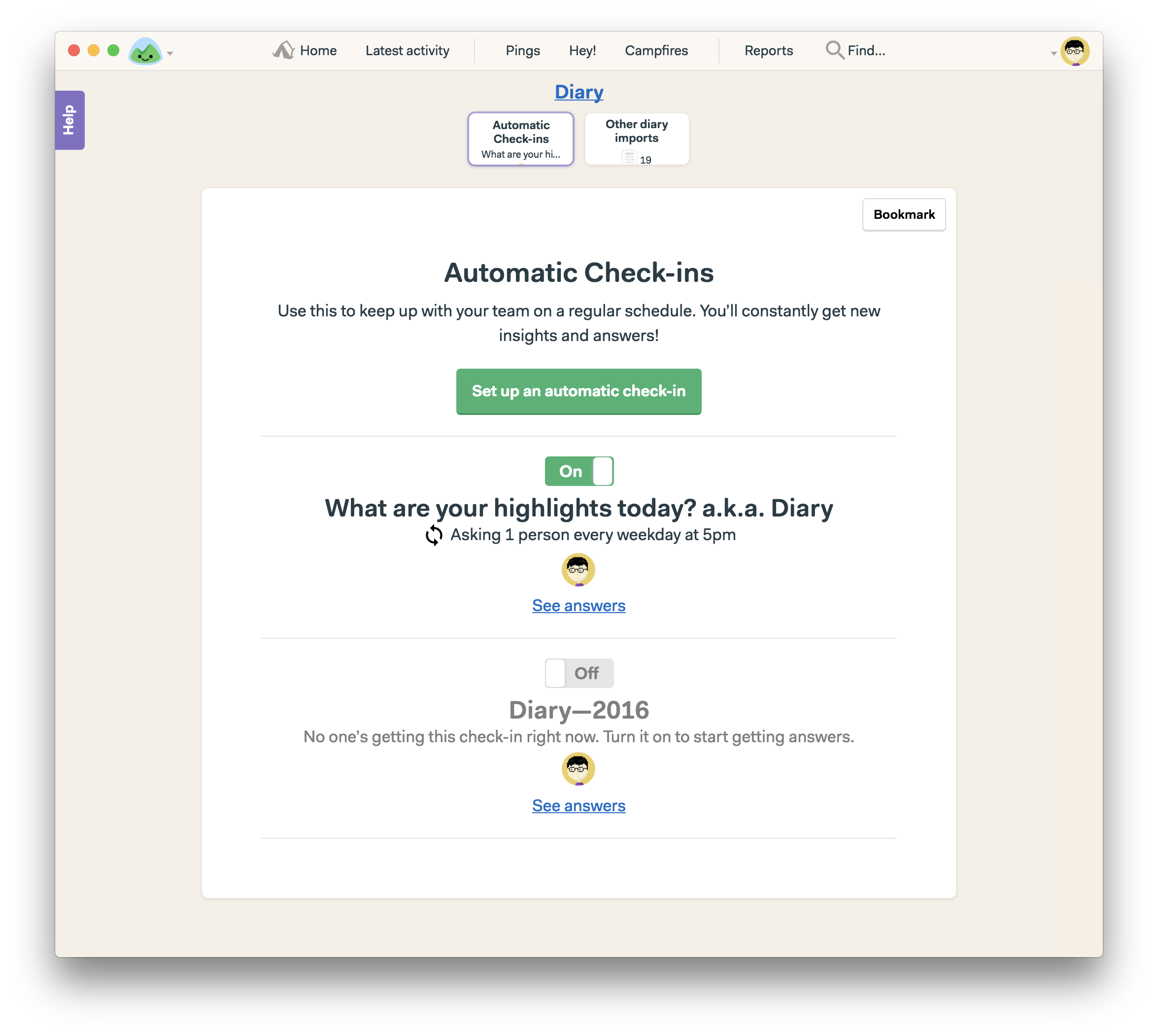
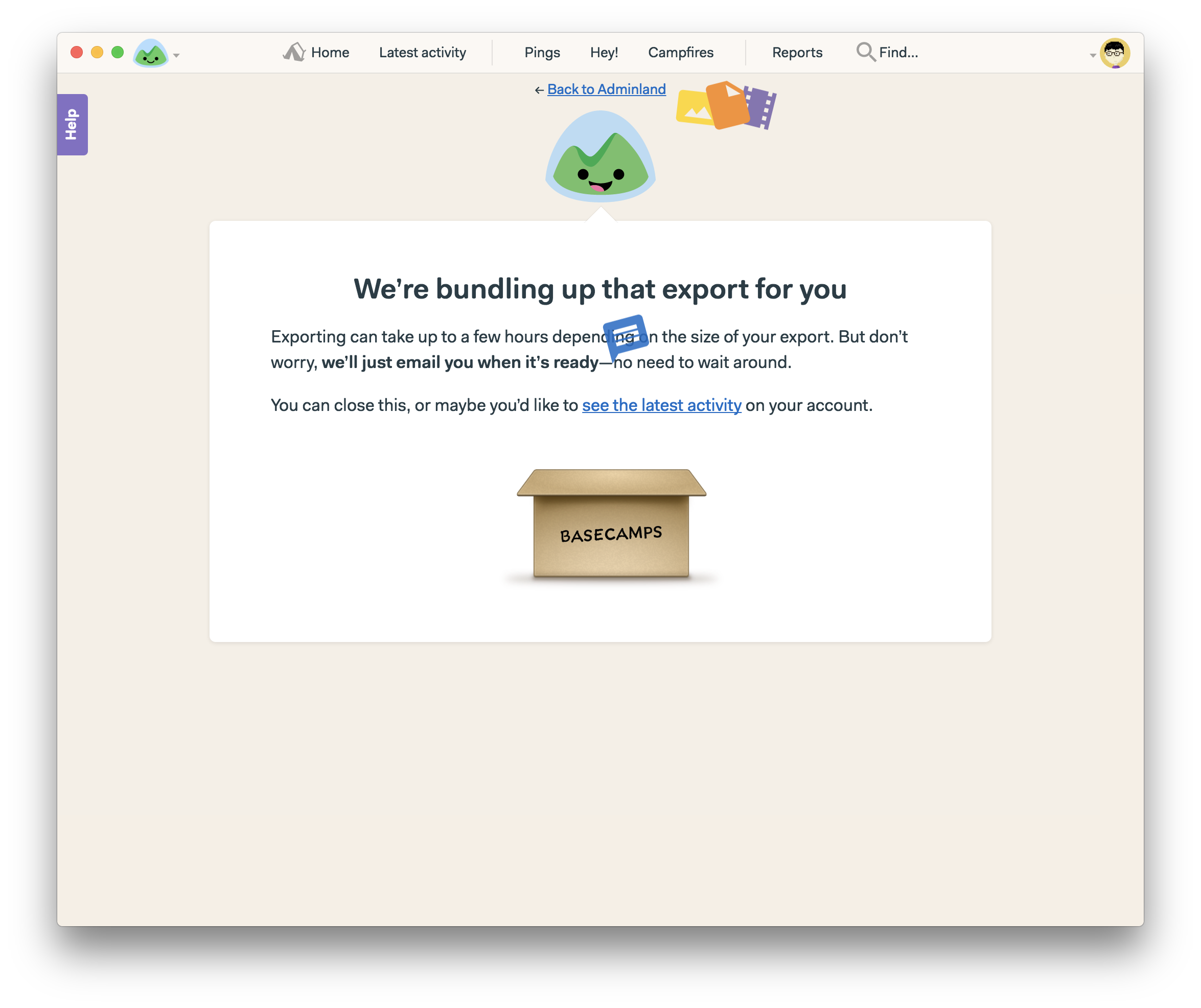
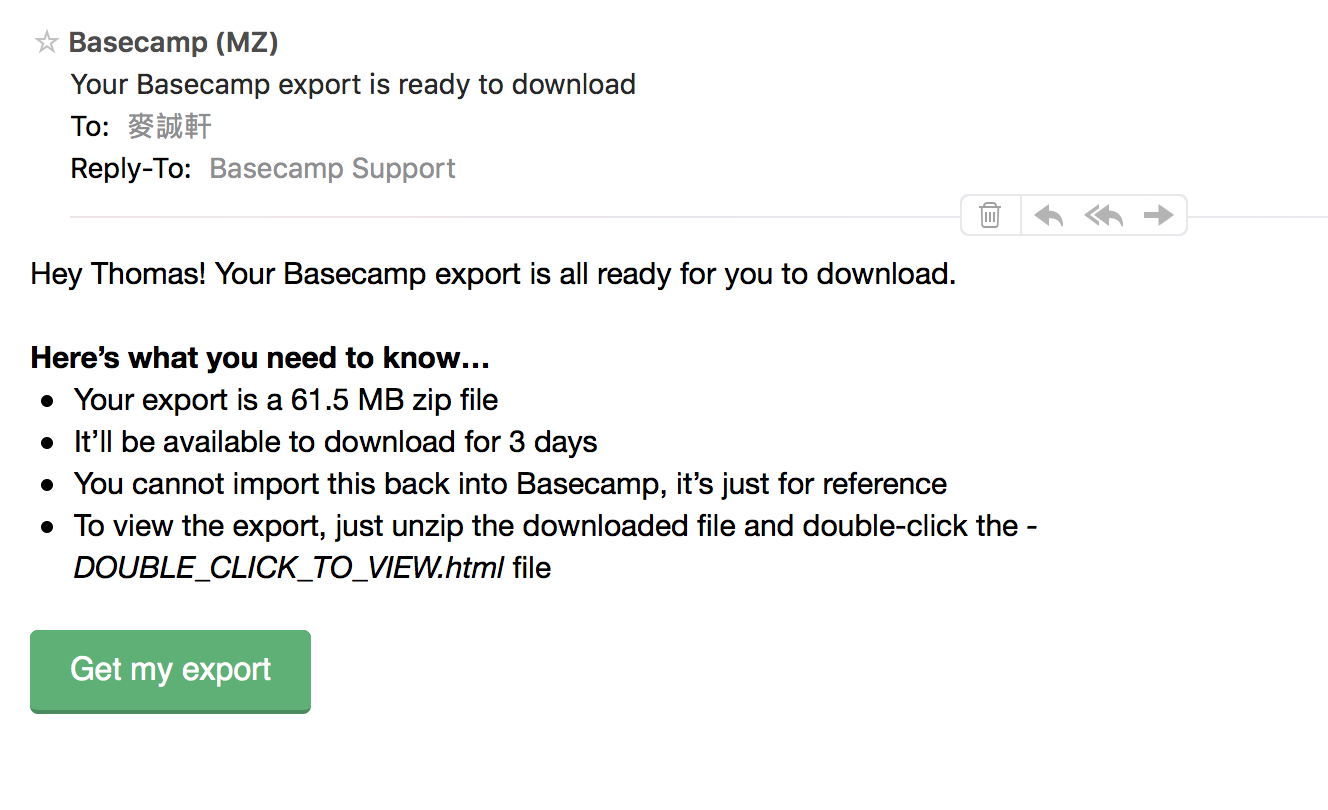
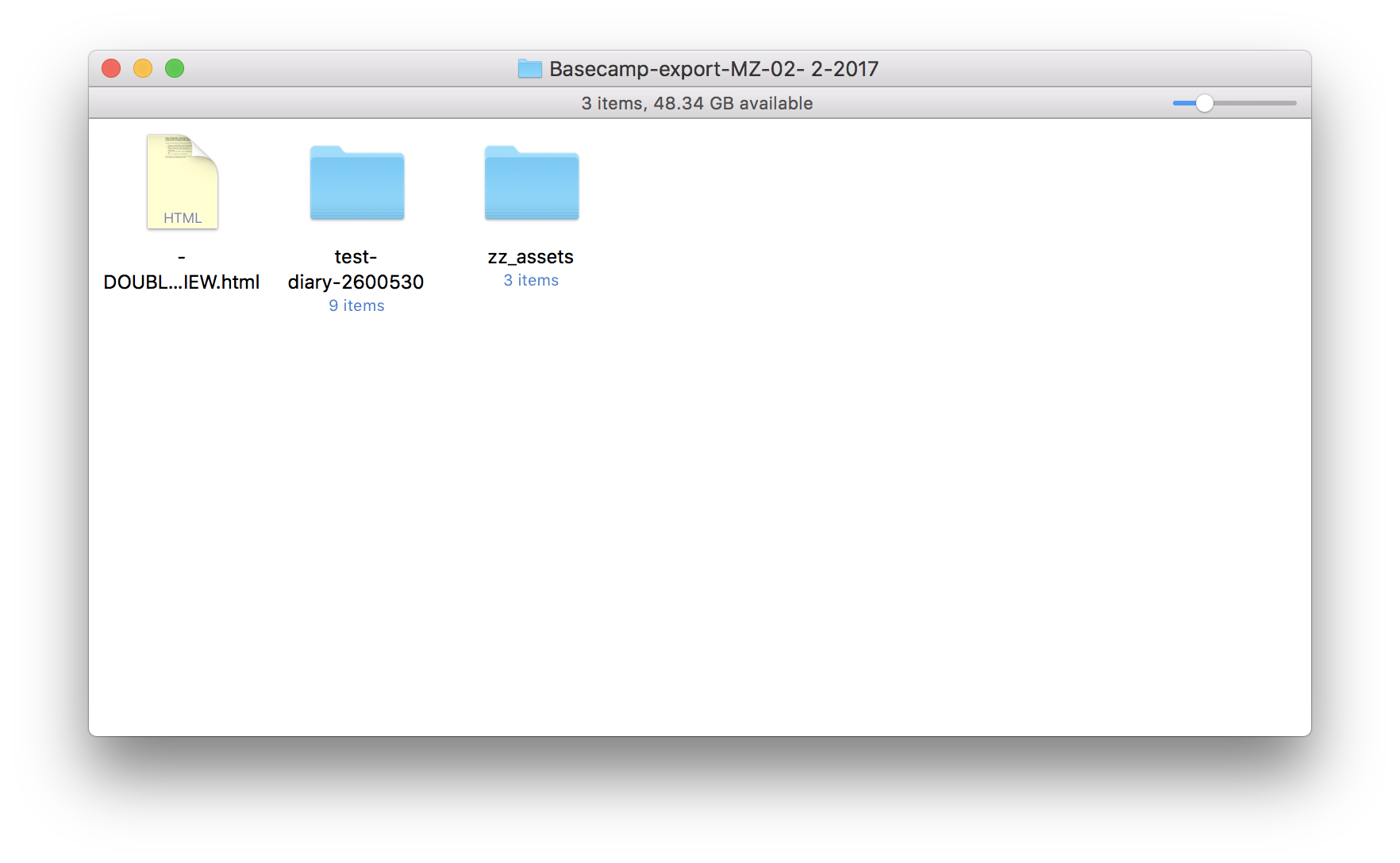
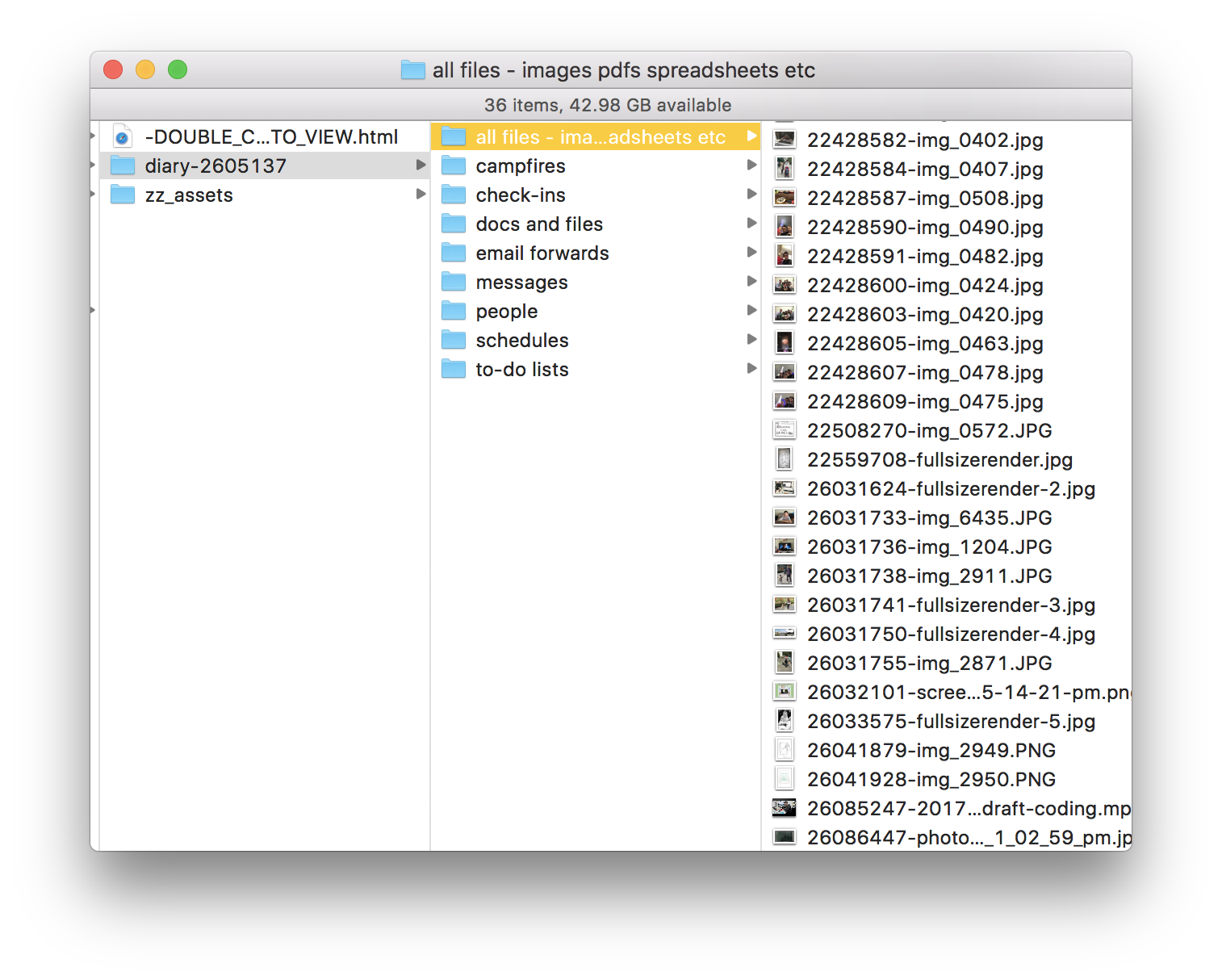
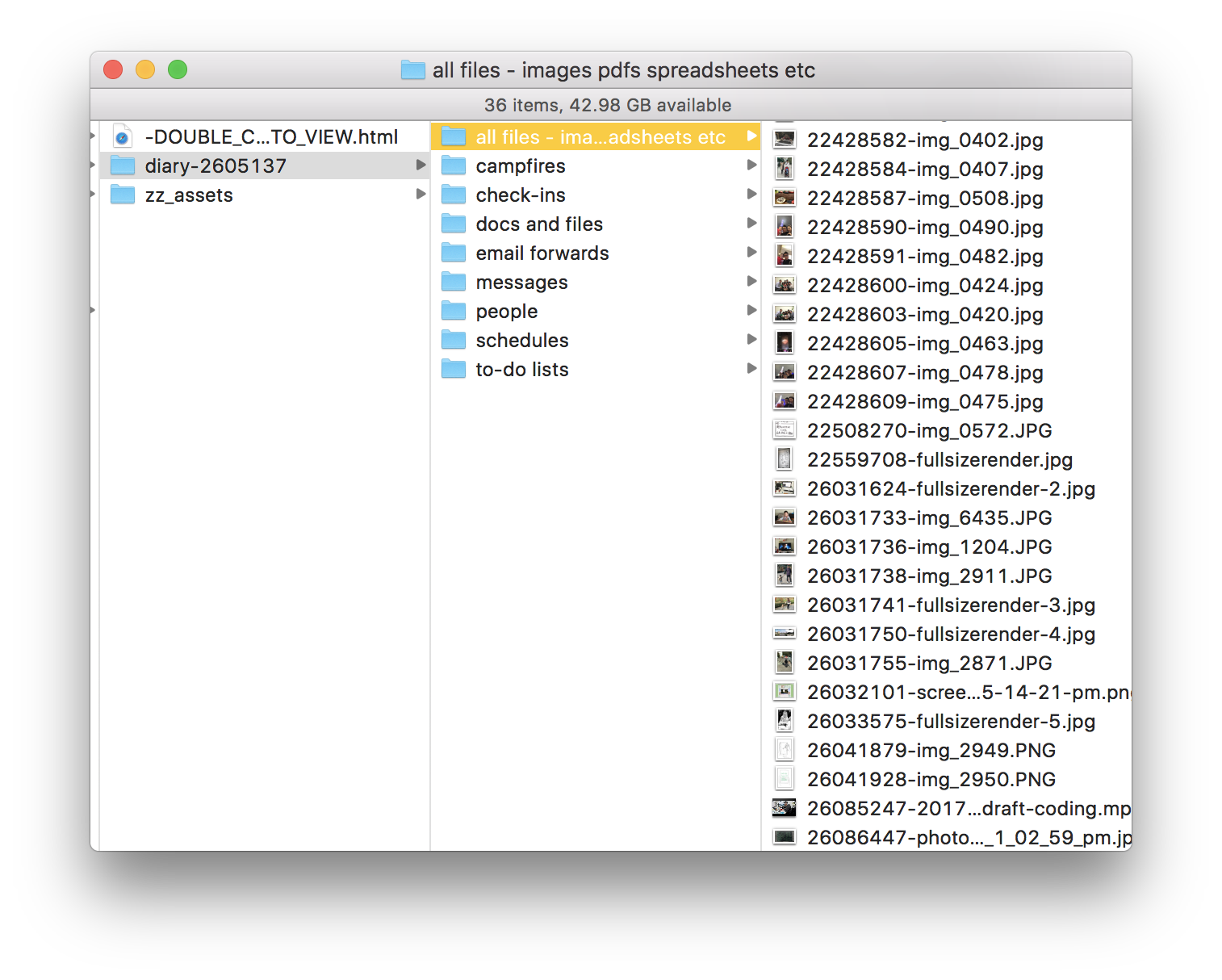
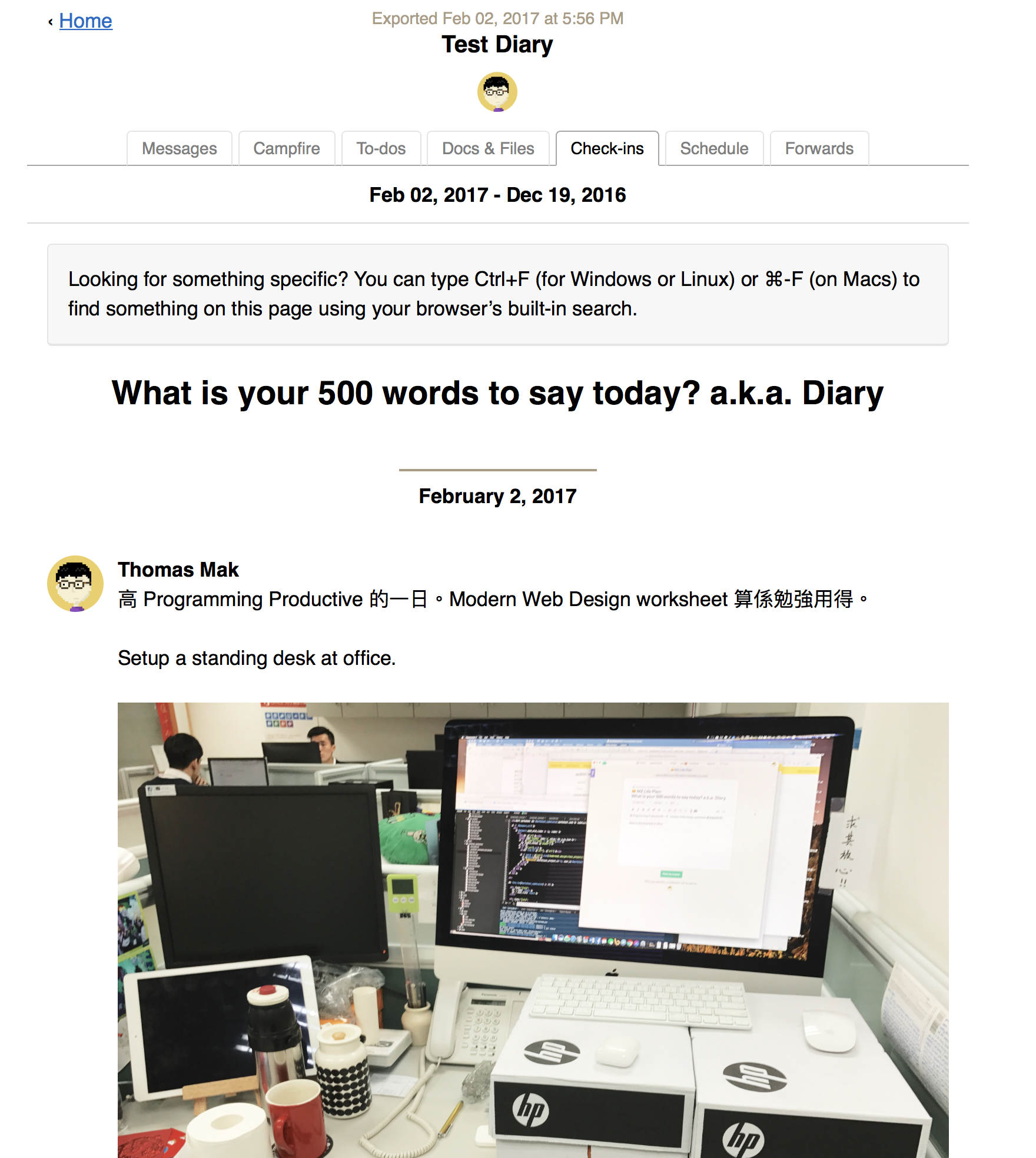
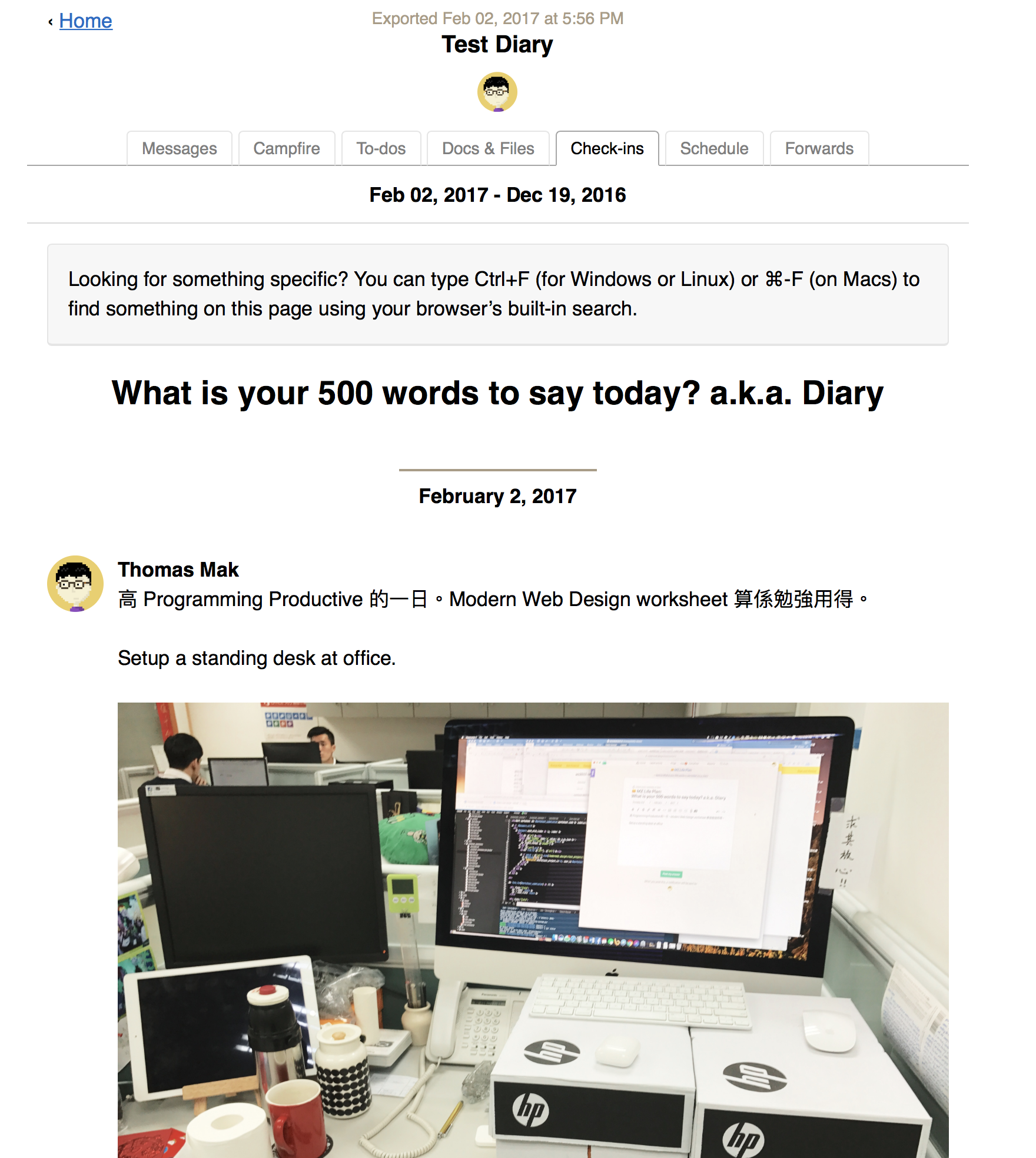
How I store my diary in Basecamp Thomas Mak Last updated February 2, 2017 4:42pm ← Back to Table of ContentI store my diary by using the Automatic check-in tool. It asks me every 5pm on any updates that day. Screen Shot 2017-02-03 at 12.36.26 AM.png Download What about exporting my diary?# In the Adminland, I choose export my data and choose only the Basecamp project that contains my diary’s automatic check-ins. Choose only the Diary project to export. Download At the bottom, click “Export my data” Download Wait for a while and you’ll receive an email for the download link. Download Then when the file is ready, I download it and it contains all my diary data, including my photos. So I can store my diary in offline. I do this export every quarter.Here are some screenshots of my diary export: Email for the archive download. Download The downloaded files. Download The download folder includes all the attachments, including videos. Download Opening the archive diary. Download Review note: I will update the screenshot to get rid of un-used tools.← Back to Table of Content
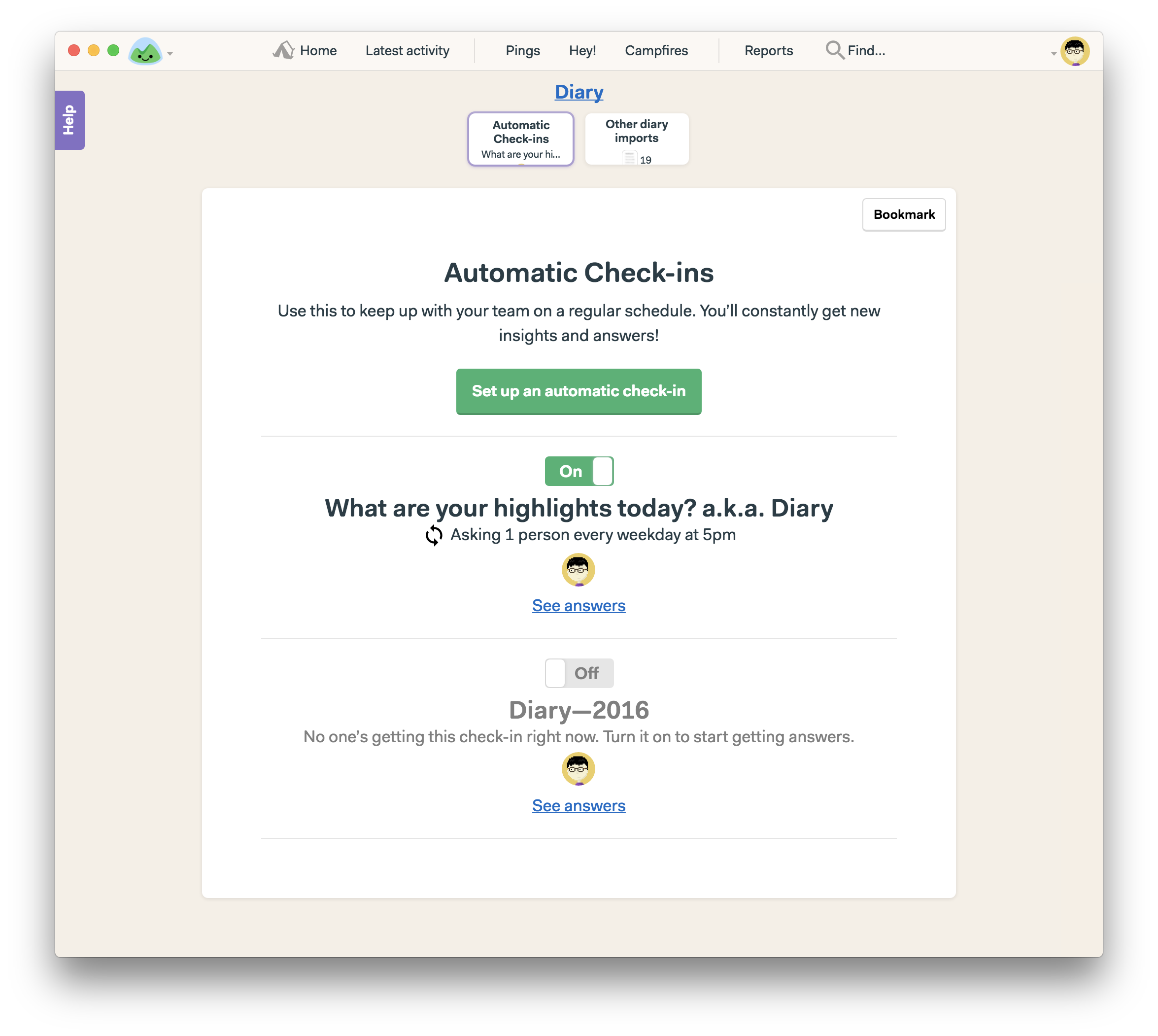
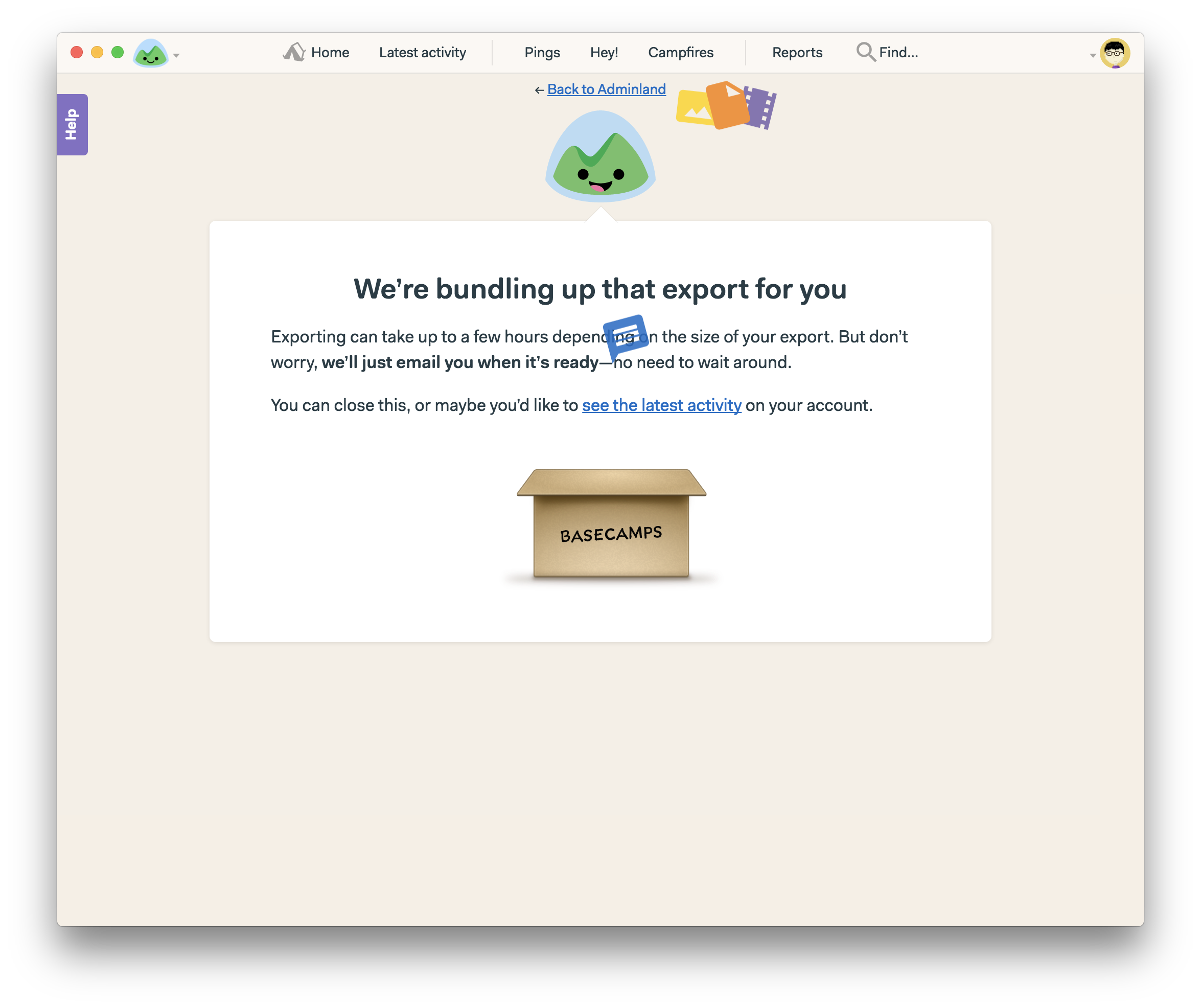
How I store my diary in Basecamp Thomas Mak Last updated February 2, 2017 4:42pm ← Back to Table of ContentI store my diary by using the Automatic check-in tool. It asks me every 5pm on any updates that day. Screen Shot 2017-02-03 at 12.36.26 AM.png Download What about exporting my diary?# In the Adminland, I choose export my data and choose only the Basecamp project that contains my diary’s automatic check-ins. Choose only the Diary project to export. Download At the bottom, click “Export my data” Download Wait for a while and you’ll receive an email for the download link. Download Then when the file is ready, I download it and it contains all my diary data, including my photos. So I can store my diary in offline. I do this export every quarter.Here are some screenshots of my diary export: Email for the archive download. Download The downloaded files. Download The download folder includes all the attachments, including videos. Download Opening the archive diary. Download Review note: I will update the screenshot to get rid of un-used tools.← Back to Table of Content